
shadcn/ui Support
shadcn/ui components render correctly in Figma — borders, backgrounds, and rounded corners included — with no extra configuration.
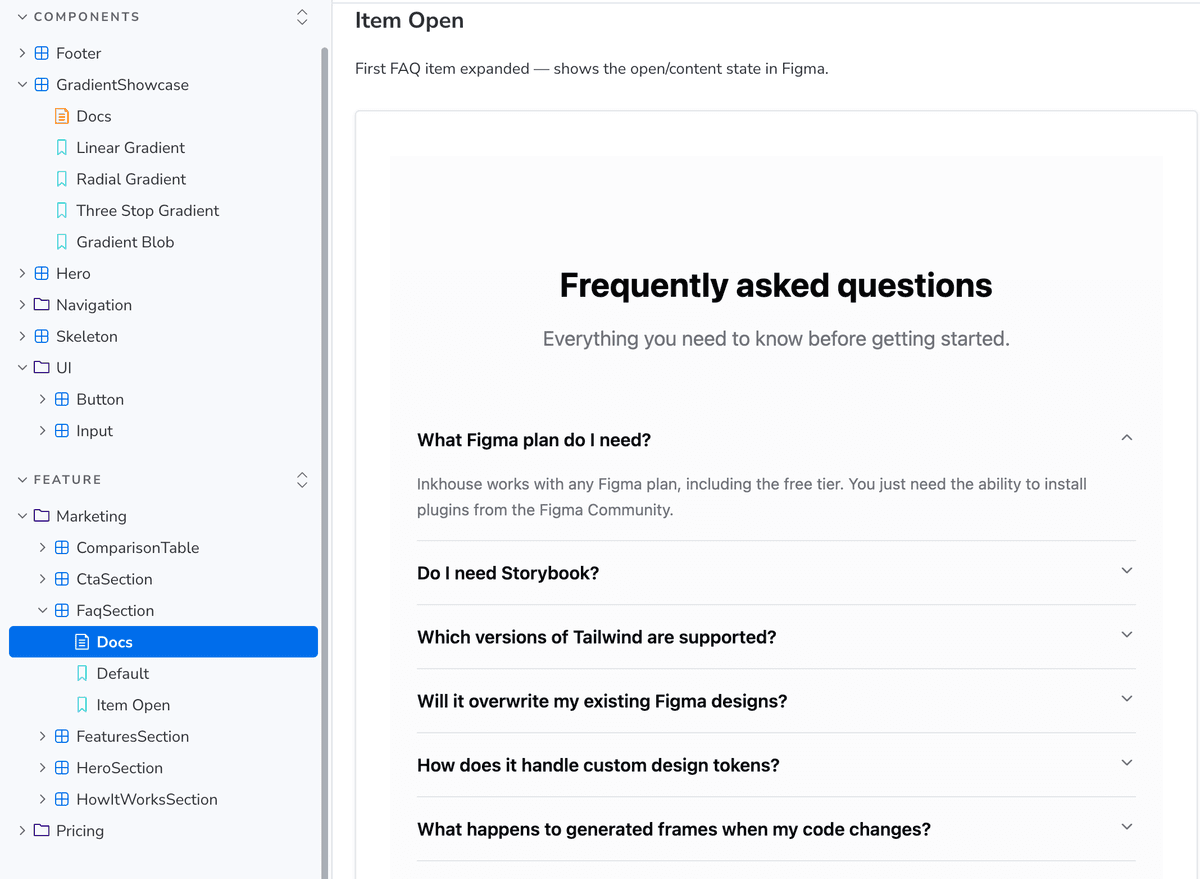
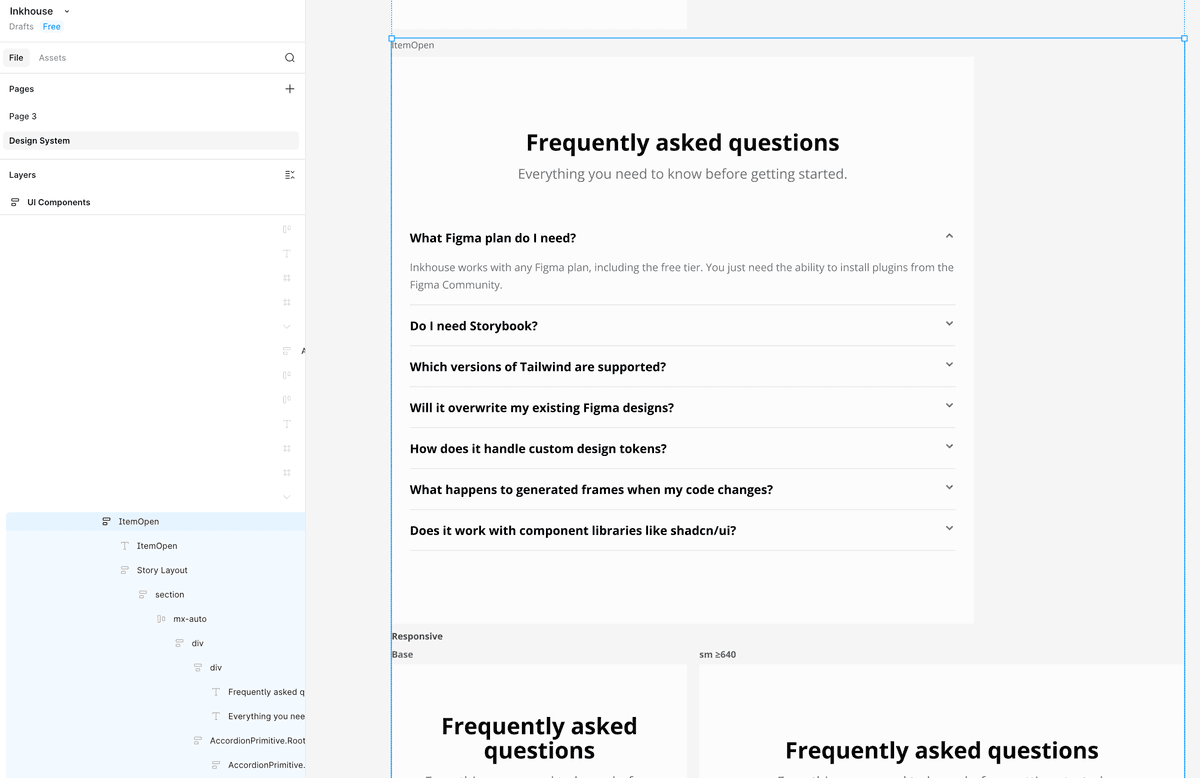
How it works
shadcn/ui gives you components like Button, Card, and Input as source files you own. Because the plugin reads those source files directly, it knows their default styles — the border, background colour, and corner radius defined in the component — and applies them when rendering in Figma. A Card doesn't need to re-declare `rounded-xl border bg-card` at every usage site; the plugin finds those defaults in `~/components/ui/card.tsx` and applies them automatically. If you've customised a component's base styles, the plugin picks up your version.
Supported components
All shadcn/ui primitives below render natively in Figma when you add a `.stories.tsx` file for them. The plugin reads each primitive's source for base styles, variants, and state classes — borders, radii, ring outlines, value-driven geometry (Slider thumbs, Progress bars), and compound layouts (Avatar, Card, Accordion) all come through with no extra configuration.
Navigation
The list reflects what's in the inkbridge starter today. Any other shadcn primitive you add to your own project is read by the same generic scanner pipeline — the inventory below is our verified surface, not a hard allowlist.
Usage
- 1
Install shadcn/ui components into your project as usual — the plugin reads them from `src/components/ui`.
- 2
Use the components in your own components and stories the same way you normally would.
- 3
Run 'Generate Design System Page' — shadcn components render with their default styles (border, radius, background) already applied.
- 4
Custom className props passed at the usage site are merged on top of the component defaults, exactly as they would be in the browser.