GitHub PR Integration
Push design token changes from Figma directly to your codebase as a GitHub pull request.
How it works
After editing Variables in Figma, the plugin extracts updated token values, creates a branch, commits the diff to the configured token source path(s) — your token CSS file, or theme.ts for MUI projects — and opens a PR, all without leaving Figma. Push runs token detection automatically before PR creation, so the review step always starts from an up-to-date diff.
Walkthrough
- 1
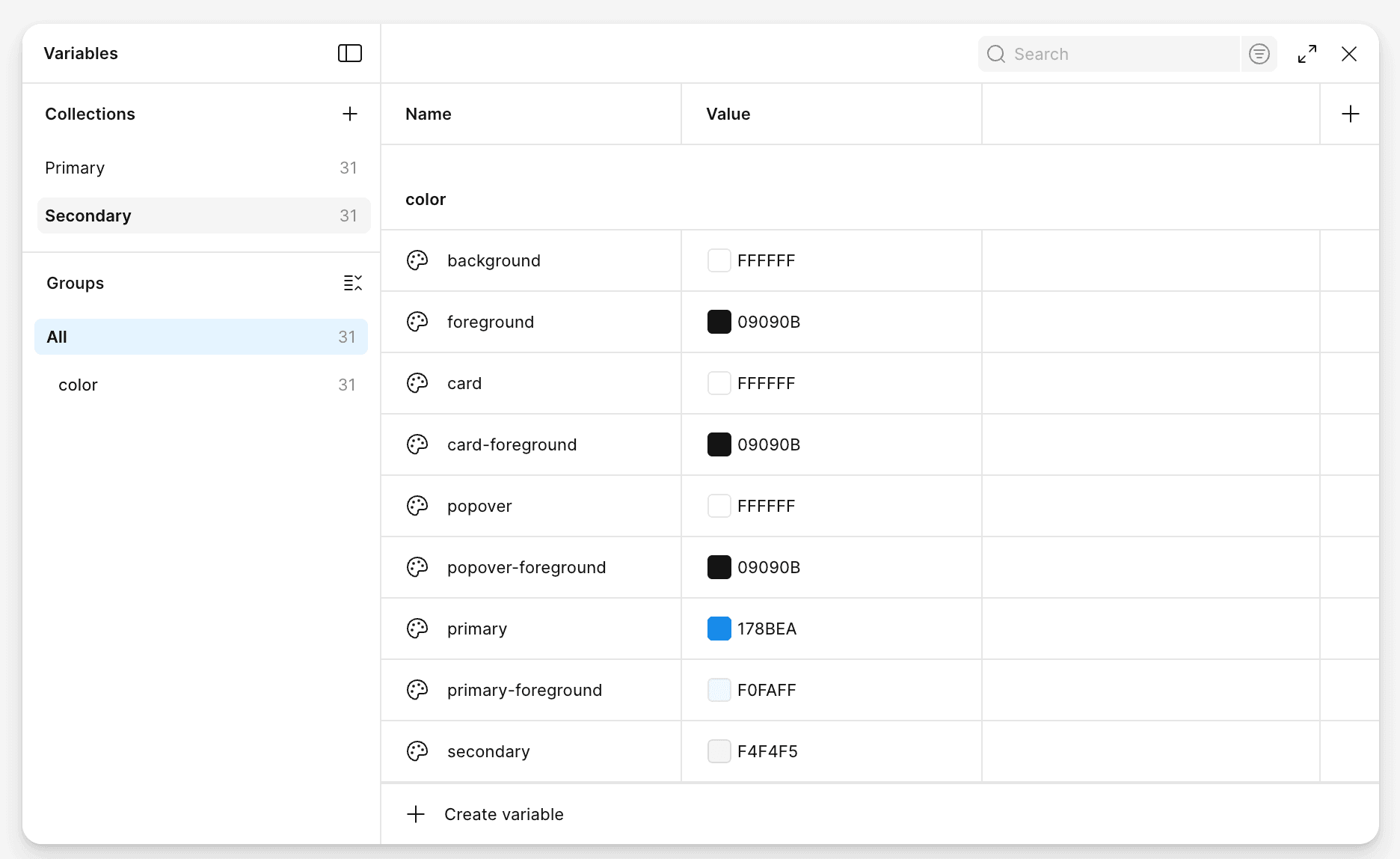
Edit variables in Figma
Open the Variables panel and change any token — e.g. the primary colour of the Secondary theme.
- 2
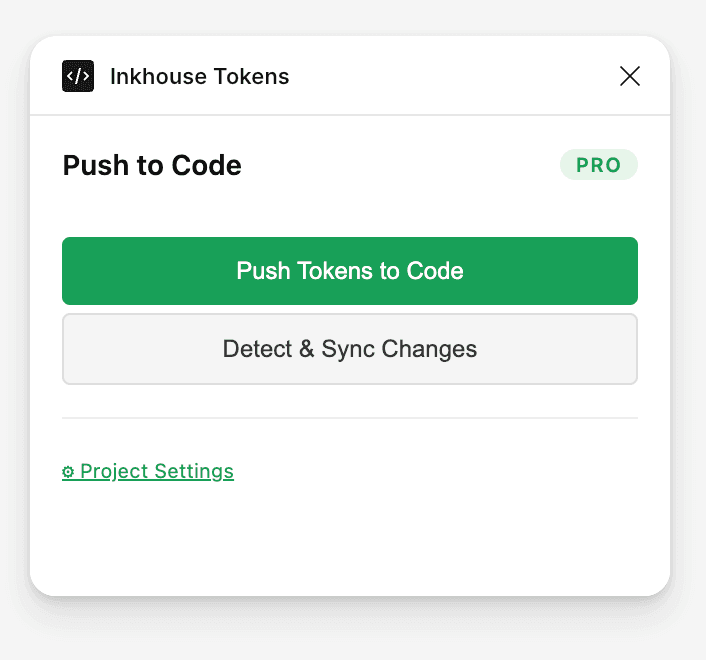
Push Tokens to Code
Open the plugin, confirm token source mode (`css` or `mui`), then click 'Push Tokens to Code' to auto-detect token changes for this run.
- 3
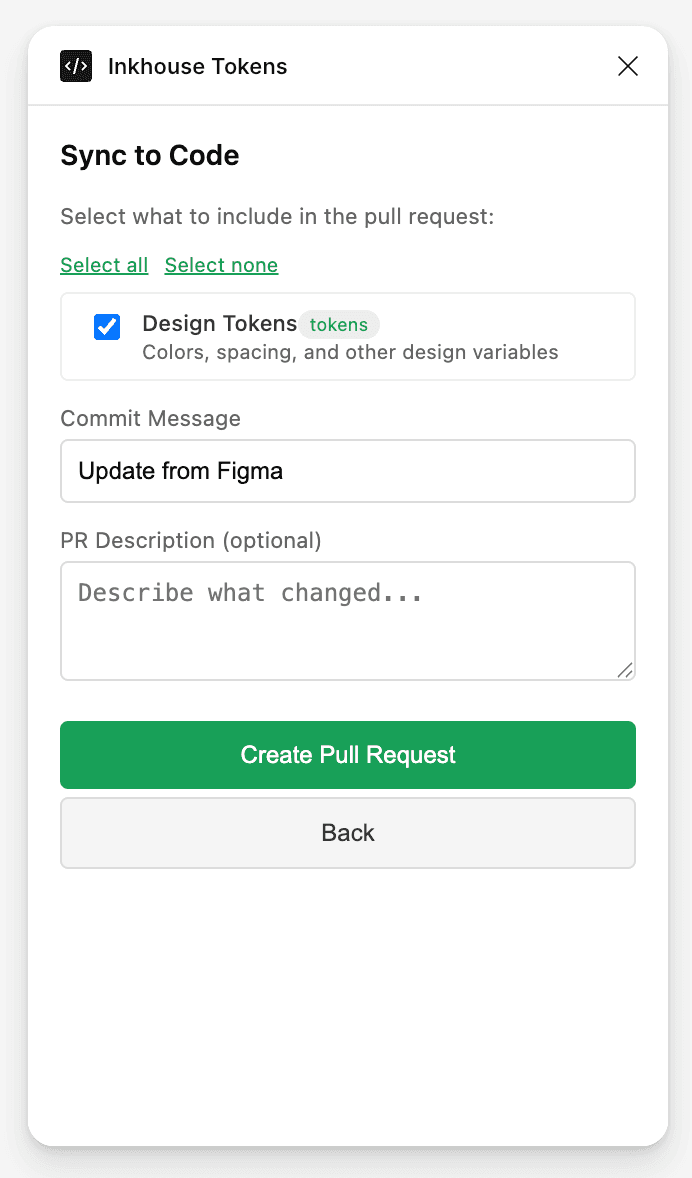
Create a Pull Request
Review detected files, add a commit message, and hit 'Create Pull Request'. If nothing changed, the plugin shows a no-op message instead of creating an empty PR.