
Image Rendering
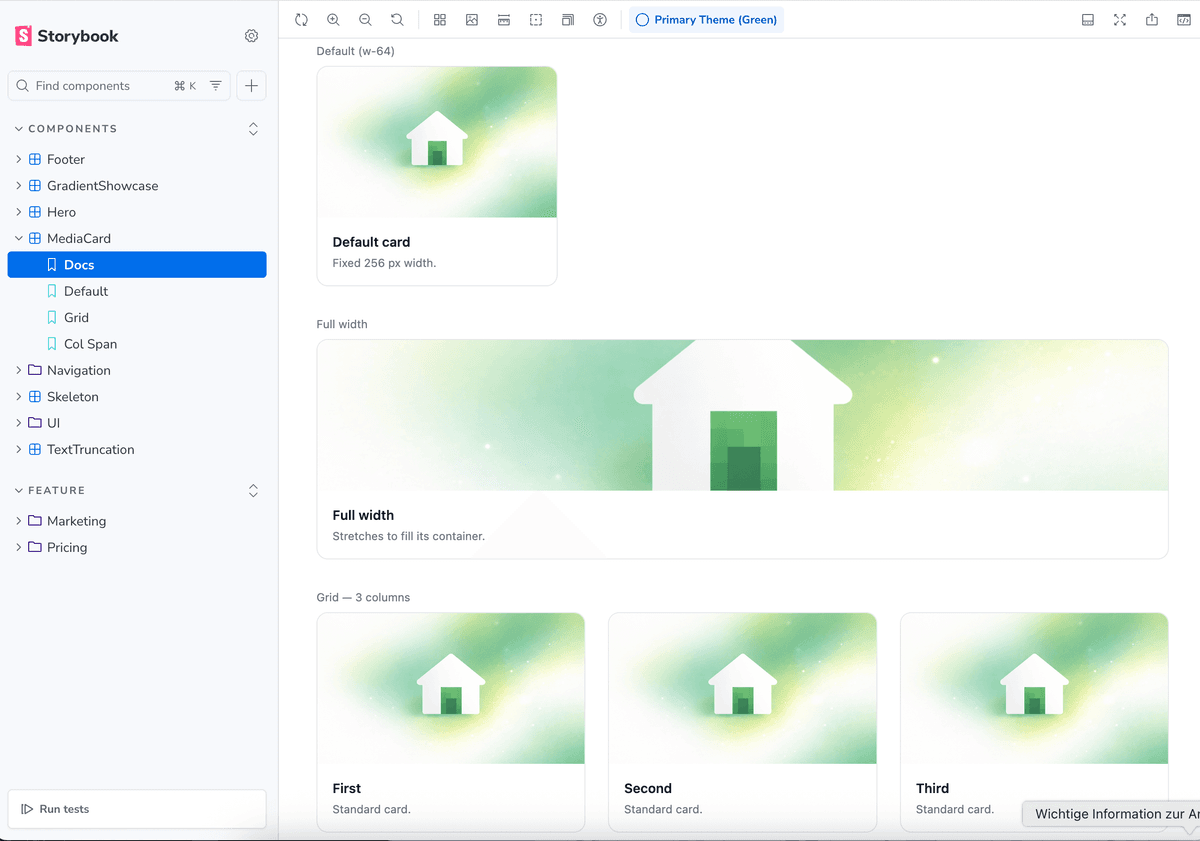
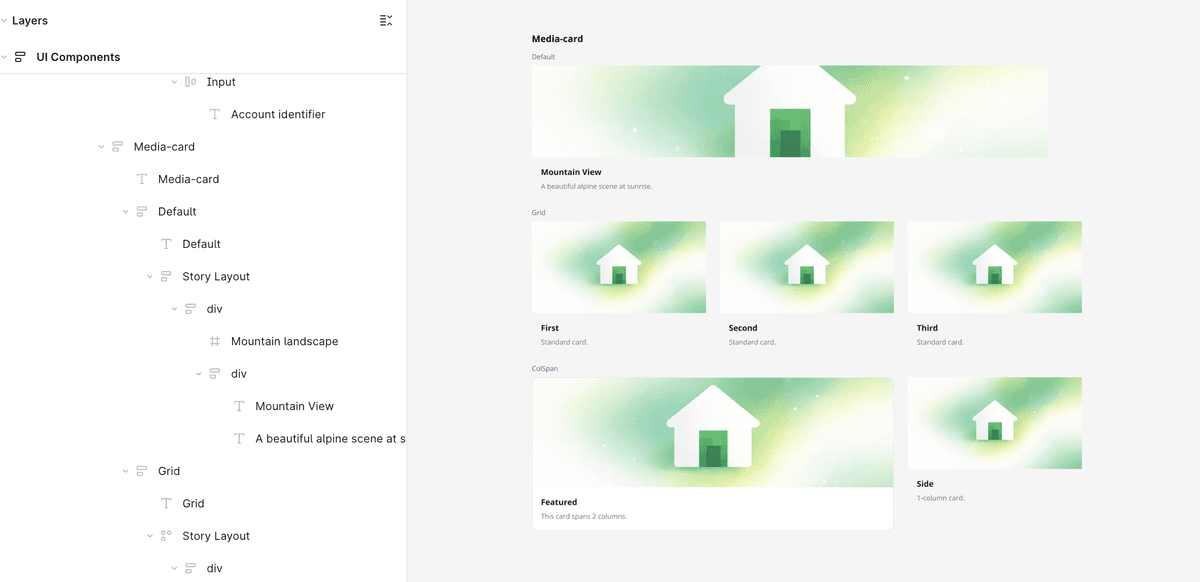
next/image and <img> elements are fetched from your dev server and rendered as native image fills in Figma — no placeholders.
How it works
When the plugin encounters an `<img>` or `next/image` element with a static `src` prop, it pre-fetches the image from your running dev server via the plugin UI iframe, converts it to an IMAGE fill, and applies it to the Figma frame. The frame is sized using the element's width and height classes, and `object-cover` / `object-contain` control how the fill scales. PNG, JPEG, WebP, and GIF are fully supported. SVG and AVIF cannot be used — Figma's `createImage()` API only accepts raster formats.
Supported formats
Fully supported
Fully supported
Fully supported
Supported (first frame only in Figma)
Not supported — Figma's createImage() API does not accept AVIF
Not supported — Figma's createImage() API only accepts raster formats
Usage
- 1
Start your dev server (`pnpm dev`) so images in `/public` are accessible at `localhost:4000`.
- 2
Use `<img src="/path/to/image.png" />` or `<Image src="/path/to/image.jpg" />` with a static string `src` — dynamic expressions are not resolved by the scanner.
- 3
Add sizing classes to control the frame dimensions: `w-full h-40`, `w-64 h-48`, etc.
- 4
Use `object-cover` or `object-contain` to control how the image fill scales inside the frame.
- 5
Run 'Generate Design System Page' — images are fetched and applied as native Figma IMAGE fills.
- 6
Supported formats: PNG, JPEG, WebP, GIF. SVG and AVIF are not supported as image fills (Figma API limitation).
Known limitations
- • Dynamic
srcexpressions (e.g.`/images/${name}.png`) are not resolved — use a static string. - • SVG files are not supported as image fills. Use PNG or JPEG instead.
- • Images are fetched from your local dev server — the server must be running when you click Generate Design System Page.
- • External URLs (e.g.
https://...) are not supported due to Figma sandbox restrictions.