
Component Symbols & Instances
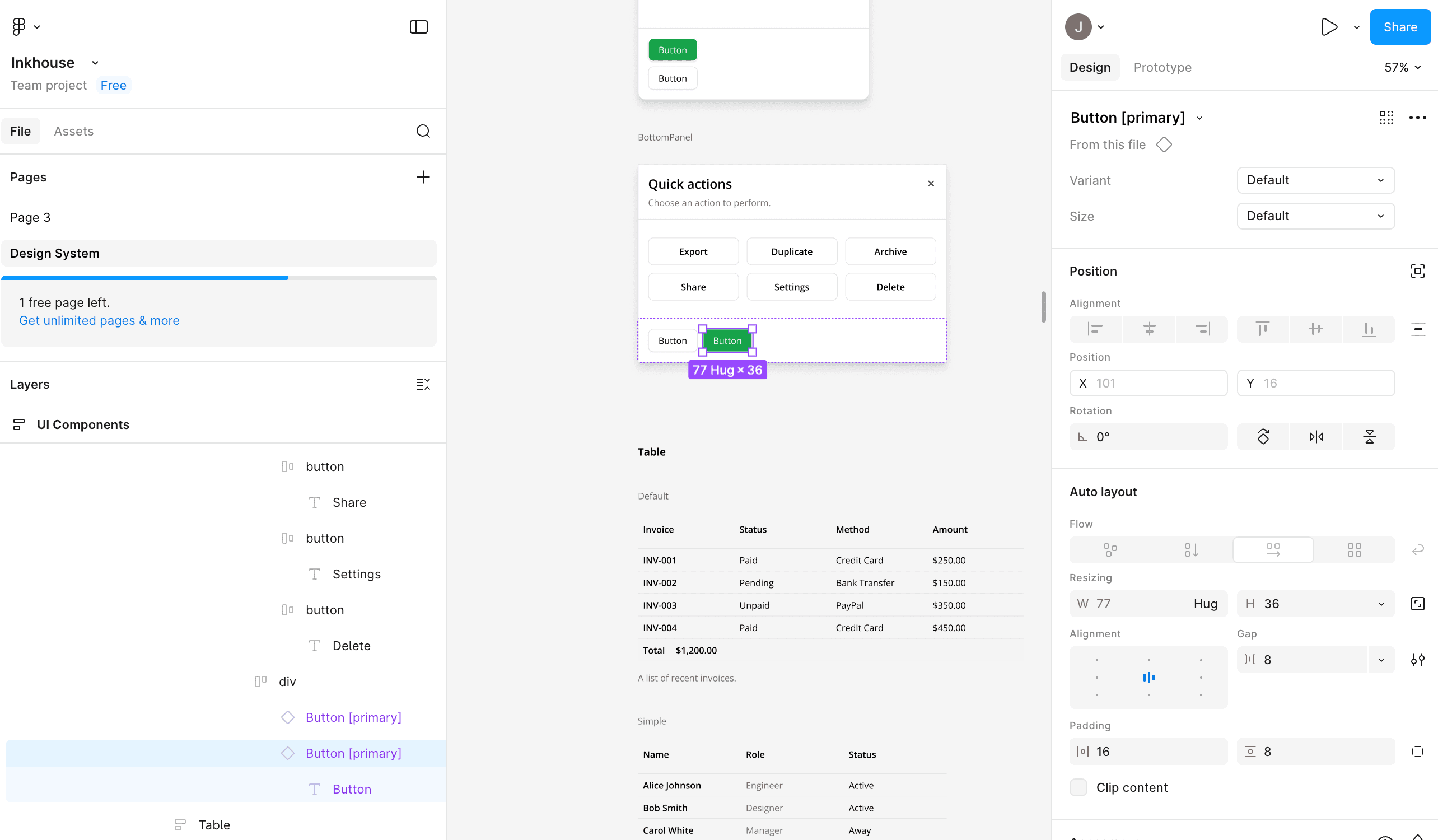
Reusable components are generated as native Figma symbols and rendered as instances when story props are compatible.
How it works
Inkbridge now supports symbol generation beyond CVA-only components. CVA components render as variant-aware component sets, while reusable non-CVA atoms/molecules (for example compounds like Card) can also generate component masters and instances. The renderer uses scanner metadata (`symbolCandidate`) and falls back to direct frame rendering when props require style or behavior overrides (`className`, `disabled`, `aria-invalid`, or unknown props). For compound components, story text is mapped with slot-aware overrides (title/description/content where detectable) so instances stay reusable while still reflecting story content.
When Inkbridge falls back to frames
- `className` overrides on the story instance
- `disabled` / `aria-invalid` / other behavioral props that alter rendering
- unknown props that cannot be represented as safe instance overrides
Slot-aware text overrides
For compound components, Inkbridge maps story text into known slots so the generated output can remain an instance instead of becoming a detached frame.
- Card title slots
- Card description slots
- Card content/body slots
Usage
- 1
Write clear `Default` and variant/state stories in Storybook.
- 2
Run 'Generate Design System Page' — symbol candidates are generated in the hidden component library for the active theme.
- 3
CVA components render as variant-aware instances; non-CVA reusable atoms/molecules render as single-master instances when safe.
- 4
If a story instance needs style/behavior overrides, Inkbridge intentionally falls back to frame rendering to preserve visual correctness.
- 5
For compound stories, text content is applied via slot-aware overrides when the subcomponent/slot mapping is detectable.