
Gradient Rendering
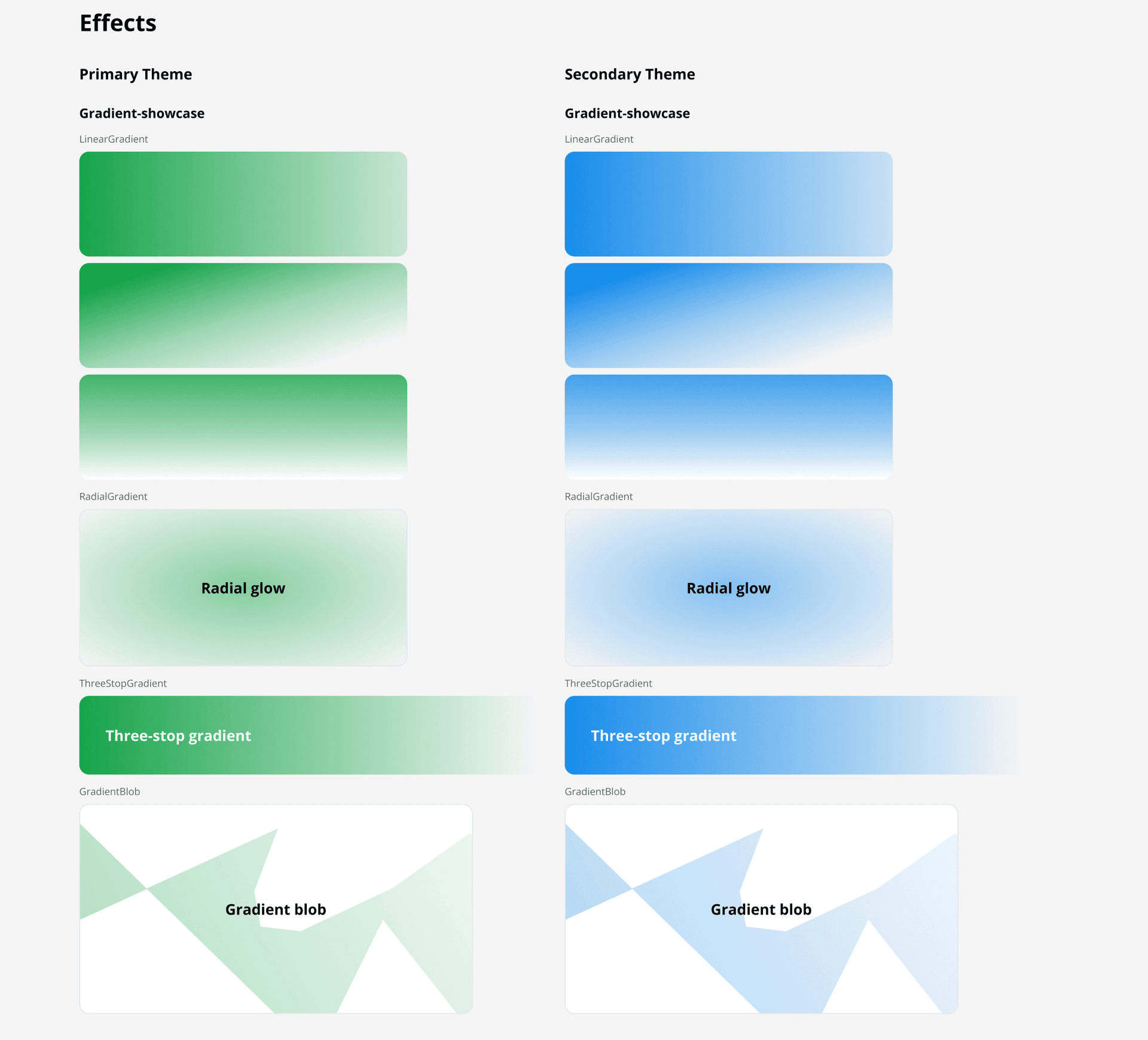
Linear, radial, and 3-stop gradients — including clip-path blob shapes — are converted to native Figma gradient fills with correct direction, stops, opacity, and masking.
Gradient types in Storybook
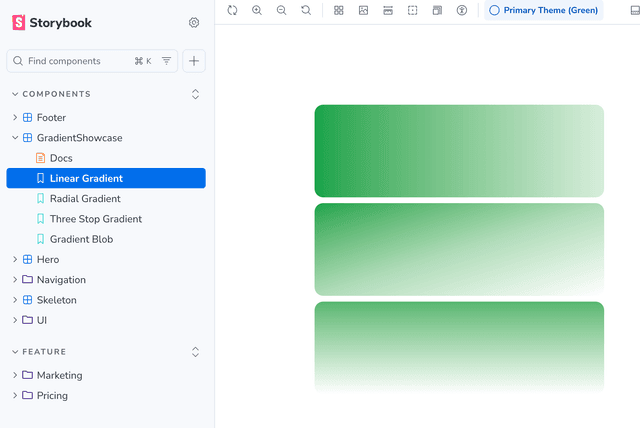
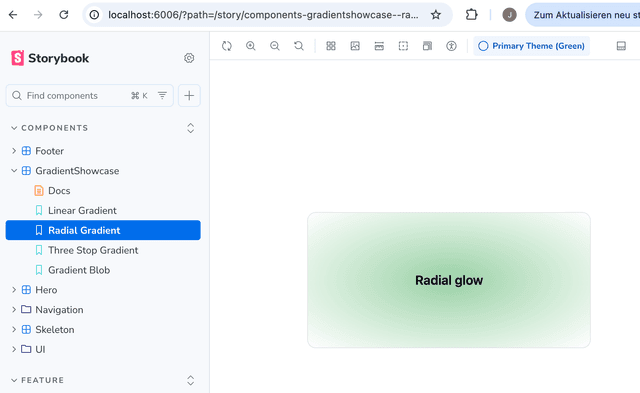
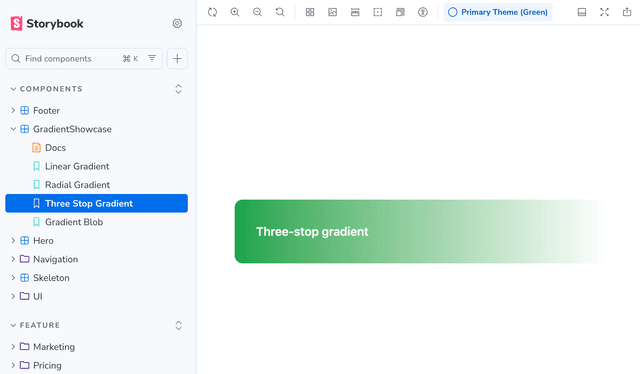
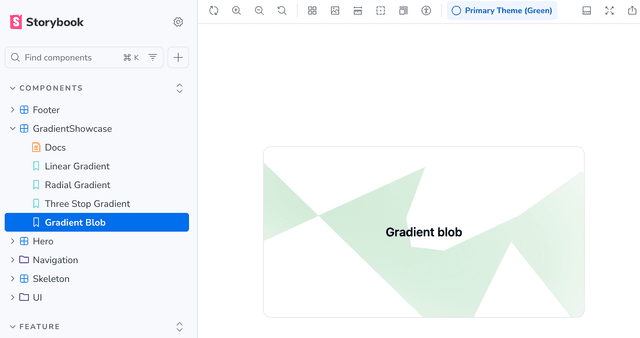
Rendered in Figma
How it works
The plugin parses `bg-gradient-to-{direction}`, `bg-linear-to-{direction}`, and `bg-radial` utilities and converts them to Figma `GRADIENT_LINEAR` or `GRADIENT_RADIAL` fills. Direction strings are translated into Figma gradient transform matrices by rotating around the centre point (0.5, 0.5). Three-stop gradients work via `via-{color}` — the intermediate stop lands at 50%. Gradient opacity is applied to the fill itself (not the frame) so child elements stay unaffected. The renderer also handles decorative gradient blob elements: CSS `clip-path: polygon(...)` is parsed from inline styles and converted to a native Figma vector shape, then the gradient fill, blur filter, and rotation are applied to that shape — reconstructing complex hero backgrounds faithfully.
Usage
- 1
Use any Tailwind gradient utility: `bg-gradient-to-r`, `bg-gradient-to-br`, `bg-radial`, etc.
- 2
Add `from-{color}`, optionally `via-{color}`, and `to-{color}` to define the stops.
- 3
For decorative blobs, add `clip-path: polygon(...)` as an inline style — the plugin converts it to a Figma vector.
- 4
Run 'Generate Design System Page' — gradients, blur, and rotation are all applied natively.
- 5
Gradient opacity (e.g. `from-primary/50`) is preserved as fill opacity rather than frame opacity.