
Storybook Story Parsing
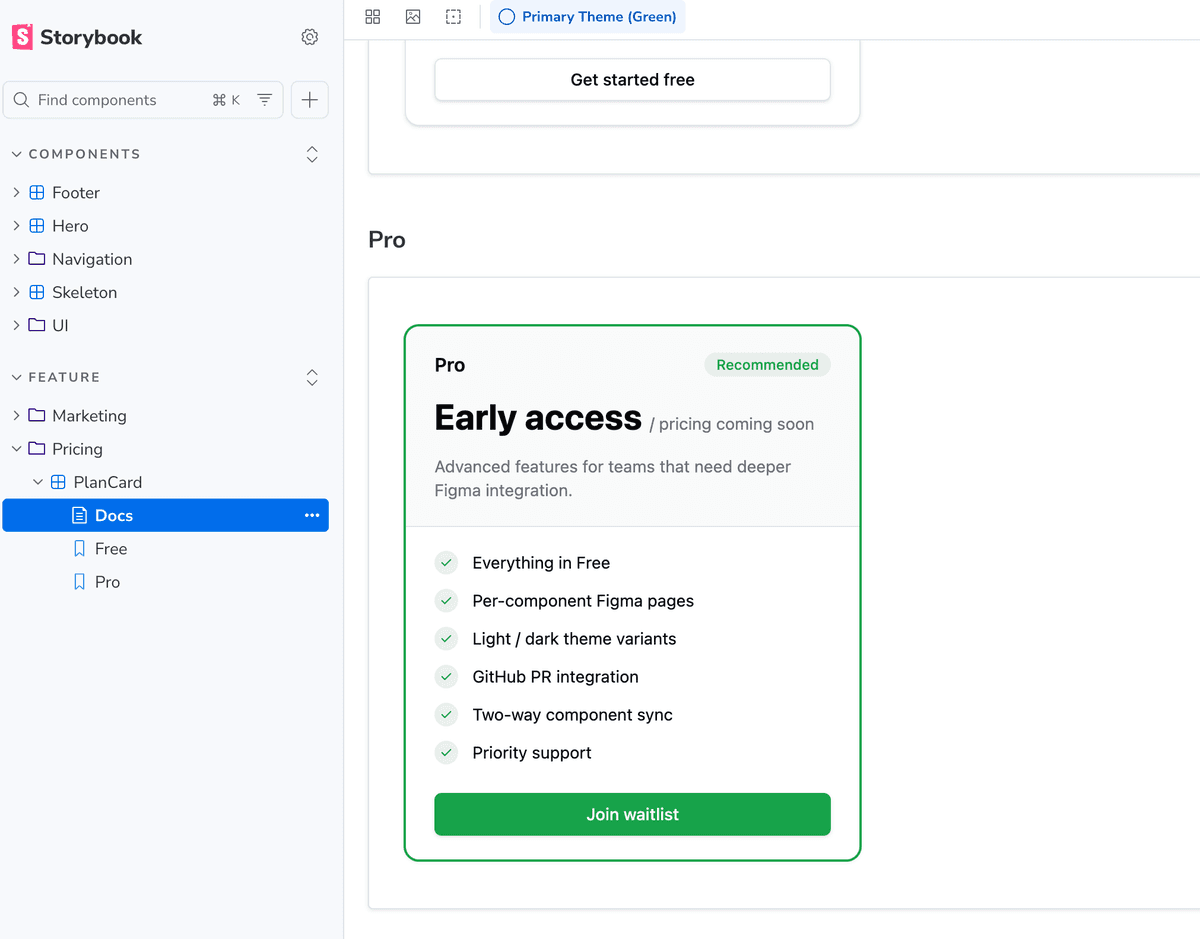
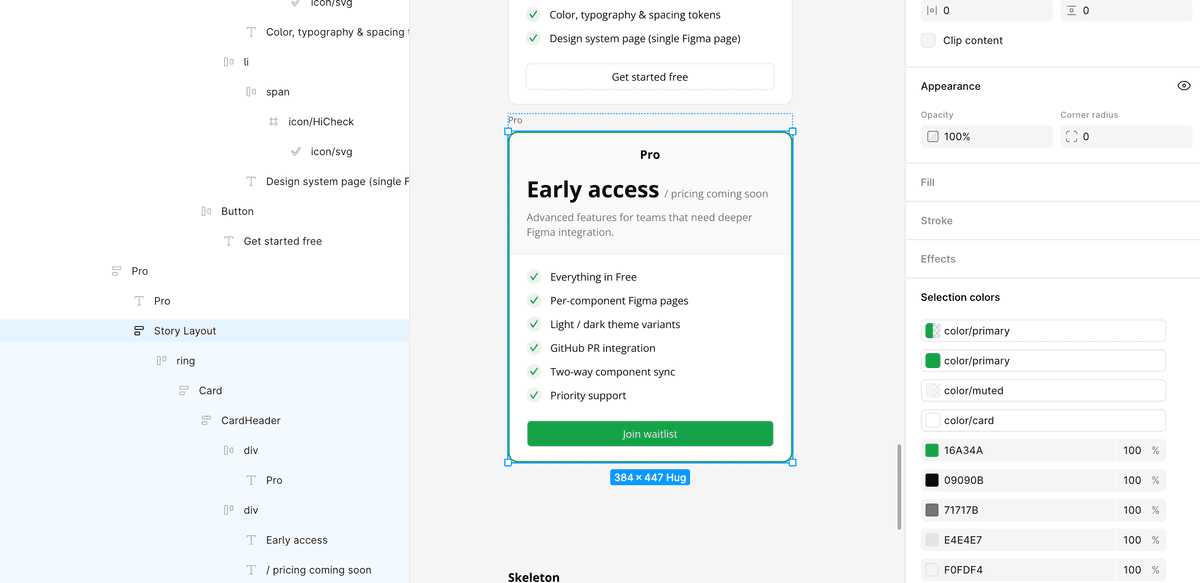
Stories are parsed and used as the source of truth for what the plugin renders in Figma. Per-story behaviour can be tuned via Storybook parameters.
How it works
The scanner reads your `.stories.tsx` files, extracts each named export, resolves its render function, and captures the decorator wrapper classes. The result is a `jsxTree` + `layoutClasses` pair per story that drives the exact Figma frame the plugin produces. Plugin-specific behaviour lives under the `parameters.inkbridge` namespace on each story export — e.g. `parameters: { inkbridge: { responsive: true } }` to opt a variant story into a responsive preview row (see Responsive Previews).
Usage
- 1
Write stories using the standard Storybook CSF format (named exports in `.stories.tsx`).
- 2
Each named story export becomes a separate Figma frame — 'Default', 'Variants', 'Sizes', etc.
- 3
Decorator wrapper classes (e.g. `flex gap-4 p-8`) are captured and applied to the outer Figma frame.
- 4
Stories with a `render` function are executed; stories with only `args` are merged with the component's default render.
- 5
Inkbridge-specific behaviour is configured per story via `parameters.inkbridge.*` — currently `responsive: true | false` to opt into / out of responsive preview rendering (see Responsive Previews).
- 6
The scanner does not require Storybook itself to be running — it reads the files statically.